Free Download

iPhone Live Wallpapers

Download stunning dynamic wallpapers that bring your iPhone lock screen to life. All wallpapers are free, high quality, and compatible with iPhone 6s and newer.

9+
Live Wallpapers
4K
HD Quality
Free
No Watermark
Weekly
New Additions
Ocean Waves wallpaper
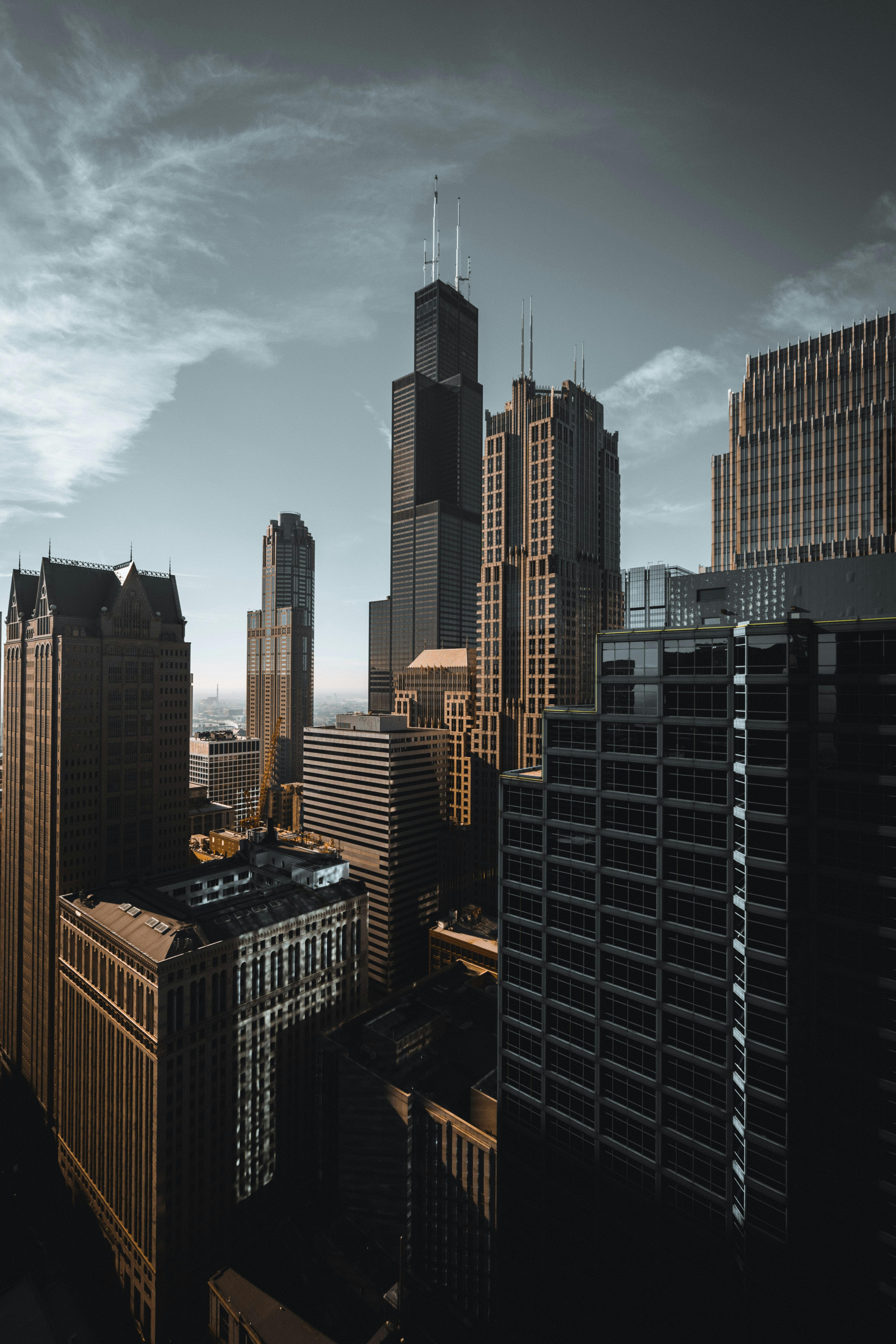
Neon City Wallpaper wallpaper
Aurora Lights wallpaper
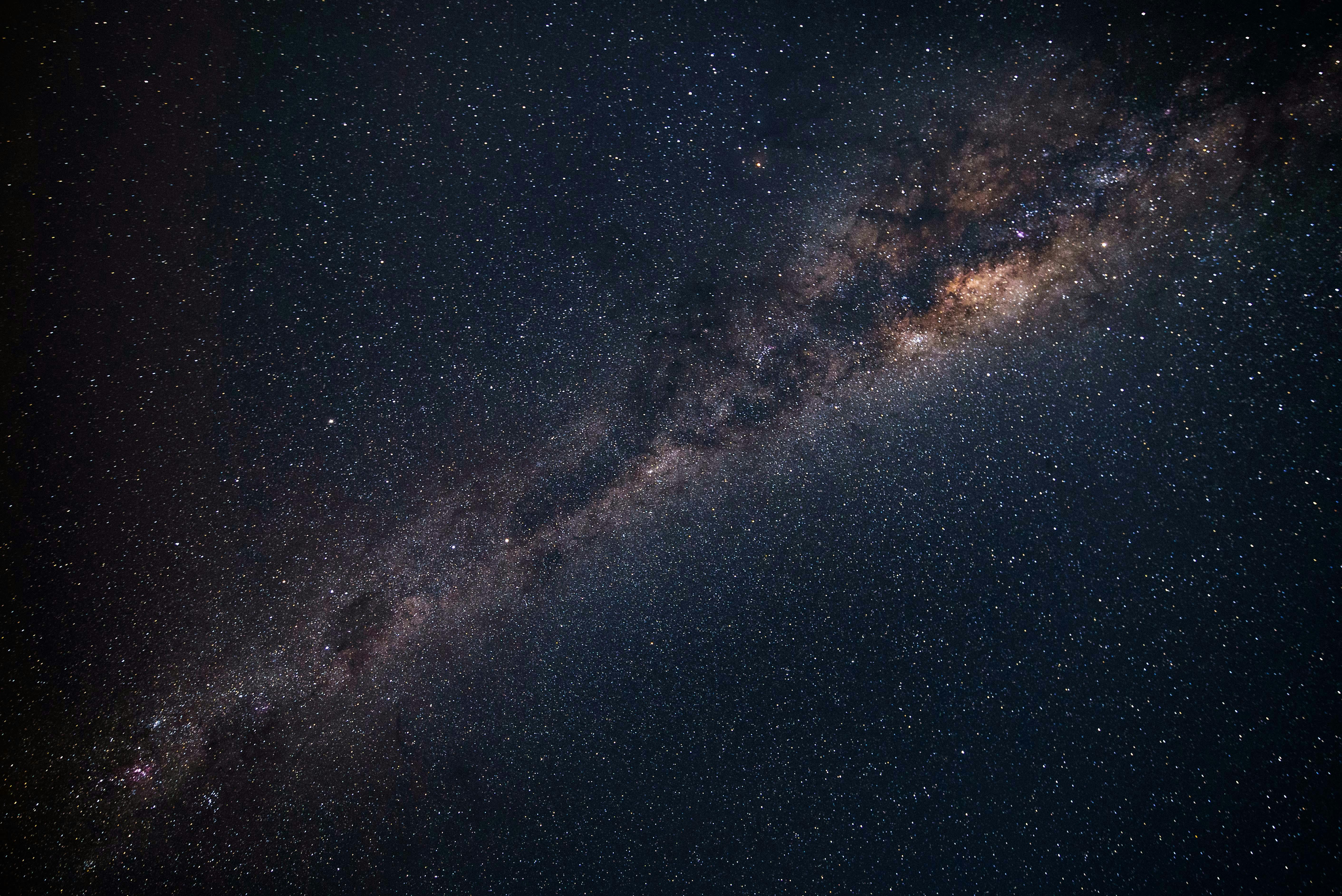
Space Journey wallpaper
Ocean Cliff Waves wallpaper
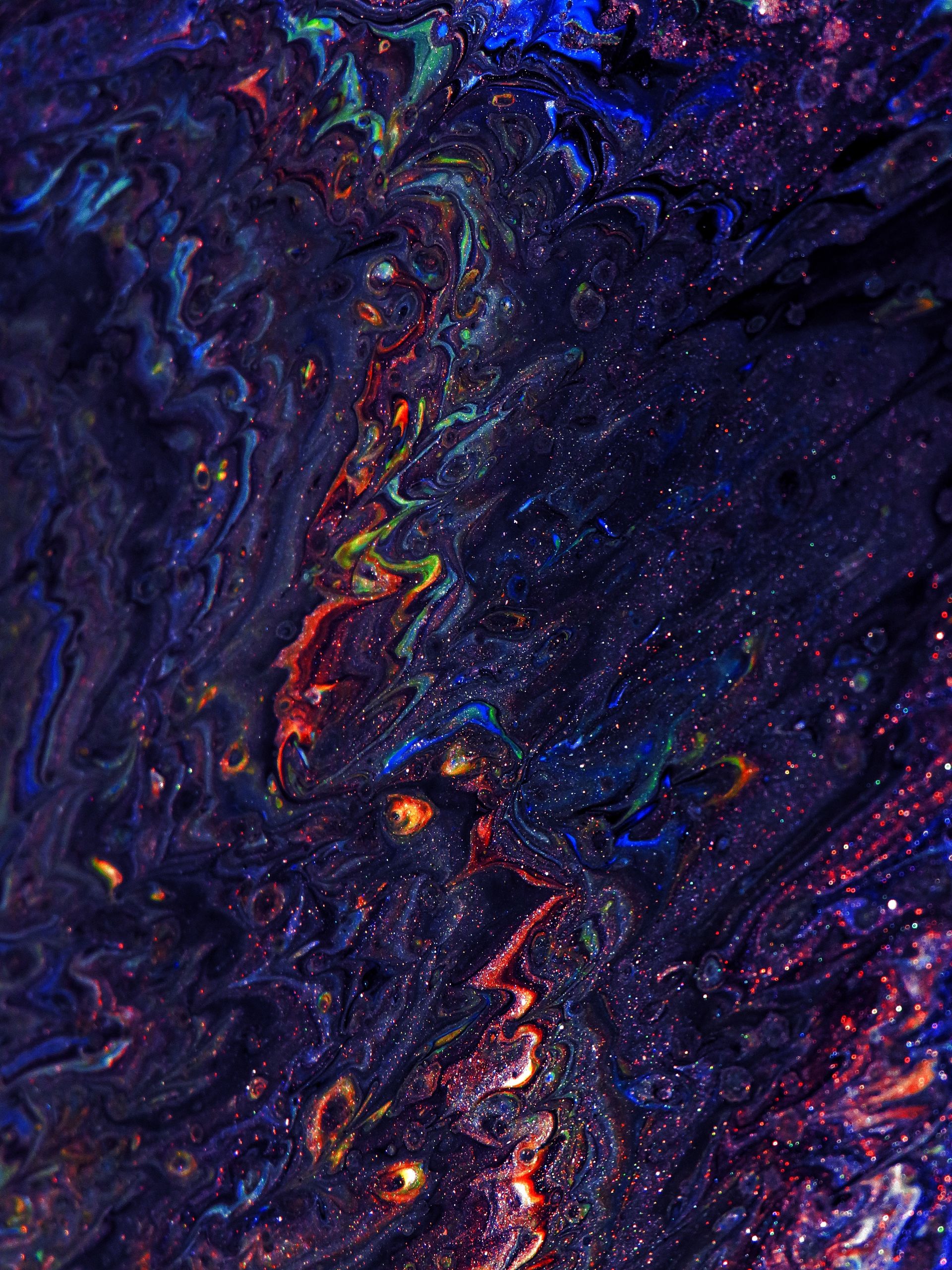
Fluid Art Motion wallpaper
Midnight Storm Clouds wallpaper
Cyberpunk Alley Rain wallpaper
Neon Grid Matrix wallpaper

What are iPhone Live Wallpapers?

iPhone Live Wallpapers (also called Dynamic Wallpapers or Animated Wallpapers) are special wallpapers that come to life when you press and hold on your lock screen. They combine a still image with a short video clip, creating an immersive and interactive experience.

Live Wallpapers were first introduced with the iPhone 6s, utilizing the 3D Touch feature. Today, all modern iPhones support Live Wallpapers through Haptic Touch, making it easy to personalize your device with stunning animated backgrounds.

Compatible iPhone Models

iPhone 6s/6s Plus
iPhone 7/7 Plus
iPhone 8/8 Plus
iPhone X/XS/XR
iPhone 11 Series
iPhone 12 Series
iPhone 13 Series
iPhone 14/15/16

How to Set Live Wallpaper on iPhone

  1. 1. Download a Live Wallpaper from our collection above
  2. 2. Open the Photos app and find your downloaded Live Photo
  3. 3. Tap the Share button and select "Use as Wallpaper"
  4. 4. Make sure the Live Photo option is enabled (not crossed out)
  5. 5. Choose "Set Lock Screen" or "Set Both"
View detailed guide →

Frequently Asked Questions

Do Live Wallpapers drain battery?

No, Live Wallpapers only animate when you press and hold the screen, so battery impact is minimal.

Can I use regular videos as Live Wallpapers?

Yes! Use our Video to Live Photo Converter to convert any video.

Why isn't my Live Wallpaper animating?

Make sure Reduce Motion is disabled in Settings → Accessibility → Motion, and that Live Photo is enabled when setting the wallpaper.